¶ Overview
Invite a new user to your company and assign the appropriate role.
¶ Steps
- Go to Company.
- Select Manage Users.
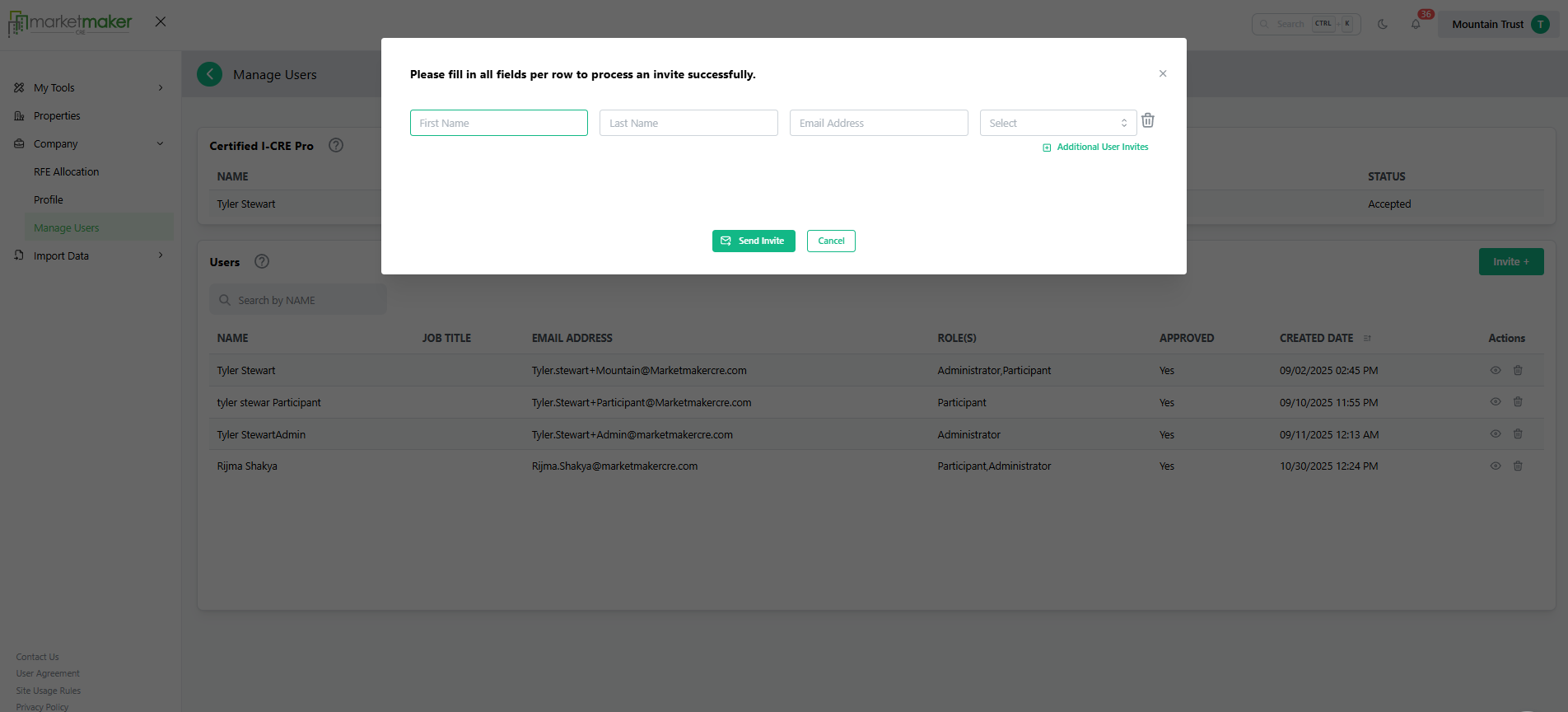
- Click Invite User.
- Enter the user’s First name, Last Name, email address & Role permissions.
- Click Send Invite.
¶ Result
The user receives an email invitation and can access the platform once accepted.